Check your DPI, calculate margins, generate puzzles and flashcards. Everything a POD seller needs — free, in your browser.
Every tool runs in your browser. No accounts, no downloads, no limits.
Upload your design and instantly see if it meets Printify, Printful, or Redbubble's resolution requirements. No more blurry prints.
Enter your product cost, selling price, and platform fees to see your real margin. Know exactly what you'll earn before you list.
Generate custom crossword puzzles for teaching, gifting, or selling as printable products. Set your own words and clues.
Create printable flashcard sets for studying, teaching, or selling on Etsy. Export as PDF, ready to print.
Build custom word search puzzles for kids, classrooms, or printable products. Choose your grid size and word list.
Answer 5 questions to find out what's actually killing your Etsy sales — visibility, thumbnails, pricing, or listing count.
Printify vs Printful vs Gelato — take this quiz to find out which print-on-demand platform fits your products and goals.
Generate customized QR codes with your brand colors, patterns, and logo. Download as PNG or SVG. Free.
Learn how to get your designs print-ready and avoid common POD mistakes.
PNG vs SVG vs PDF for print: which format each POD vendor actually accepts. Printful, Printify, Amazon Merch, and Redbubble specs in one decision table.
POD image specs for Printful, Printify, Redbubble, Amazon Merch, and Etsy in one table. Verified DPI, pixel ceilings, and file size caps as of May 2026.
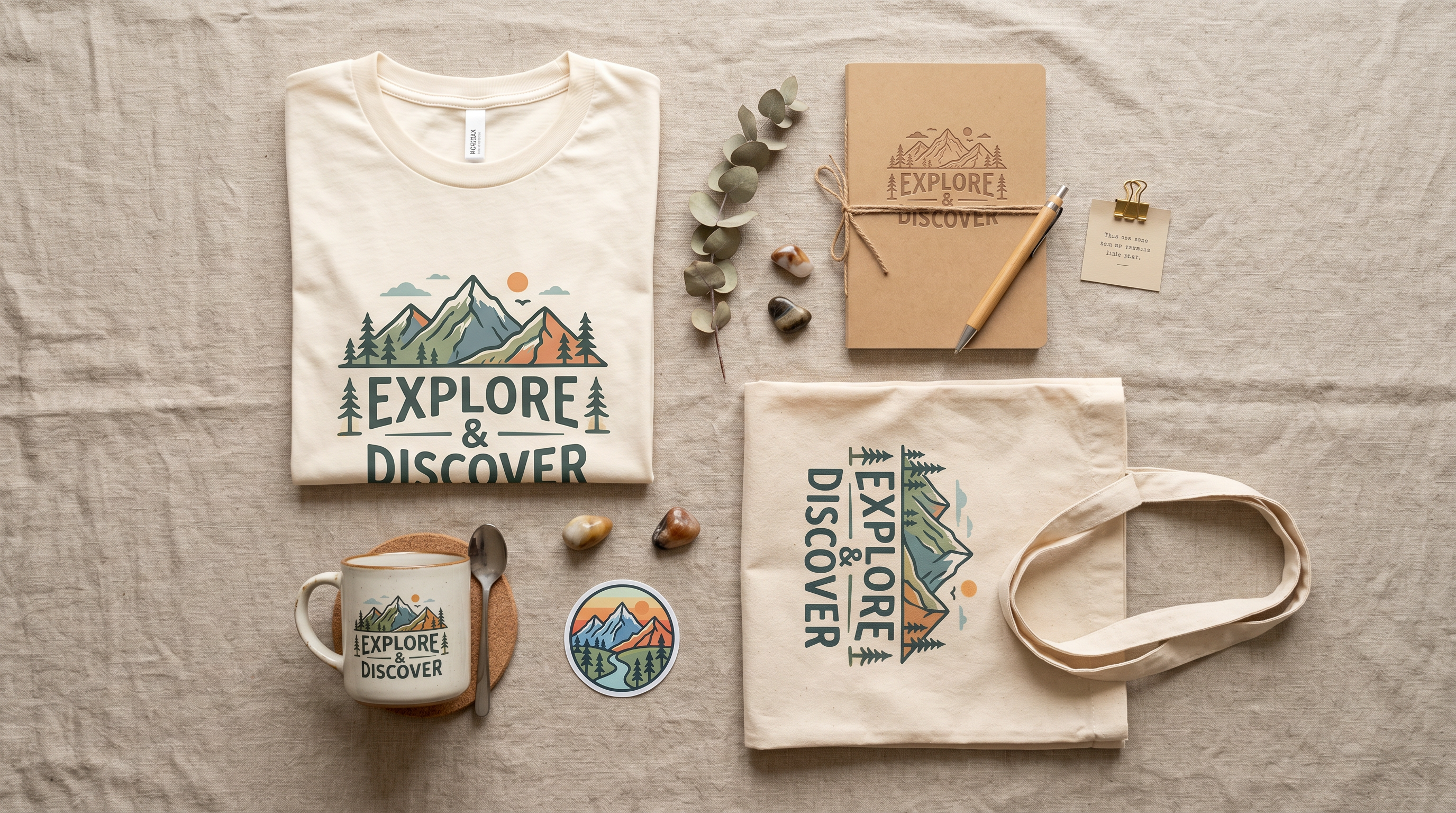
The best selling POD products ranked by margin-to-competition ratio — not just volume. Real base costs, real saturation levels, real validation method.
How to price POD products without losing money — full fee stack walkthrough, 3x rule explained, platform-by-platform comparison, and Etsy pricing psychology.

How POD sellers use free QR codes on packaging, business cards, and products — plus print specs so codes actually scan after printing.

The best fonts for print on demand — with commercial licenses verified. Covers Google Fonts, Creative Fabrica, and why Creative Market's standard license bans POD use.

Etsy product photo tips backed by Etsy's own data. Covers photo specs, the 7 essential shot types, lighting, mockup pitfalls, and mobile thumbnail design.

Printful image requirements explained: DPI, file formats, color profiles, dimensions, and embroidery specs for every print method. Avoid blurry prints with this reference.
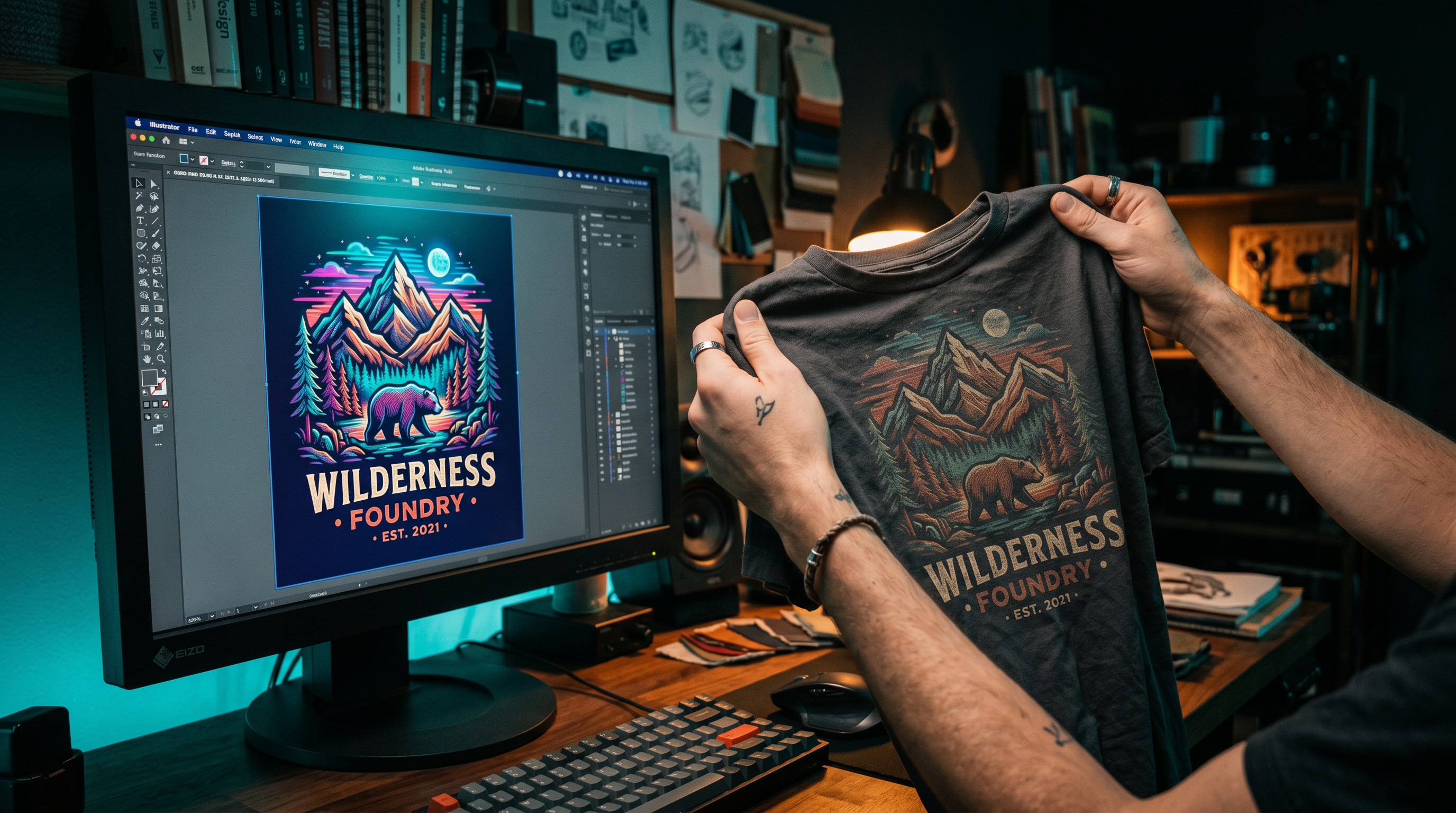
Should you design in CMYK or RGB for Printify, Printful, or Redbubble? Learn which color mode to use, why colors shift, and how to design defensively.
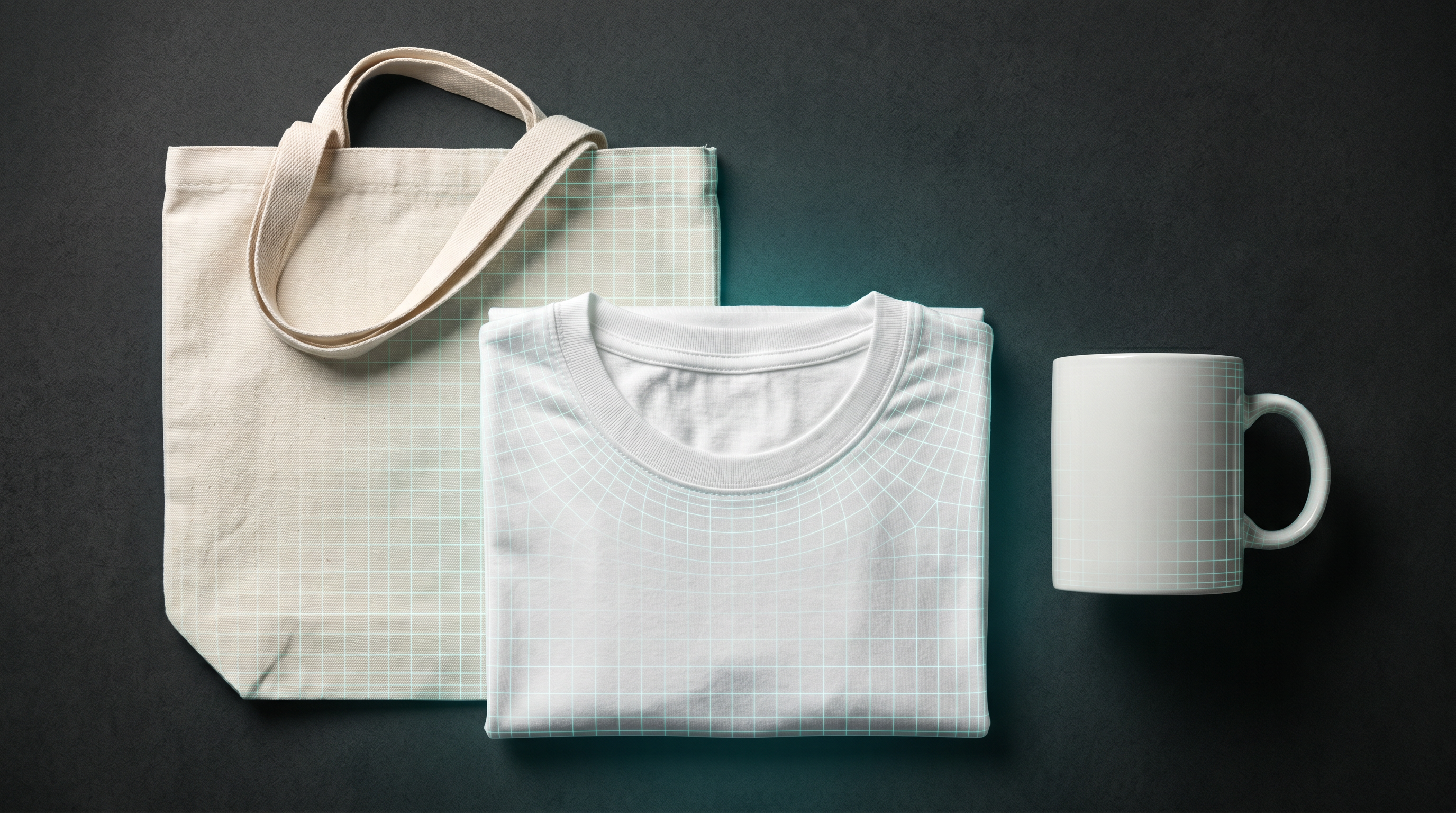
Exact Printify image requirements: DPI, pixel dimensions by product, file formats, color mode, and transparent backgrounds. Updated specs from Printify's official help docs.
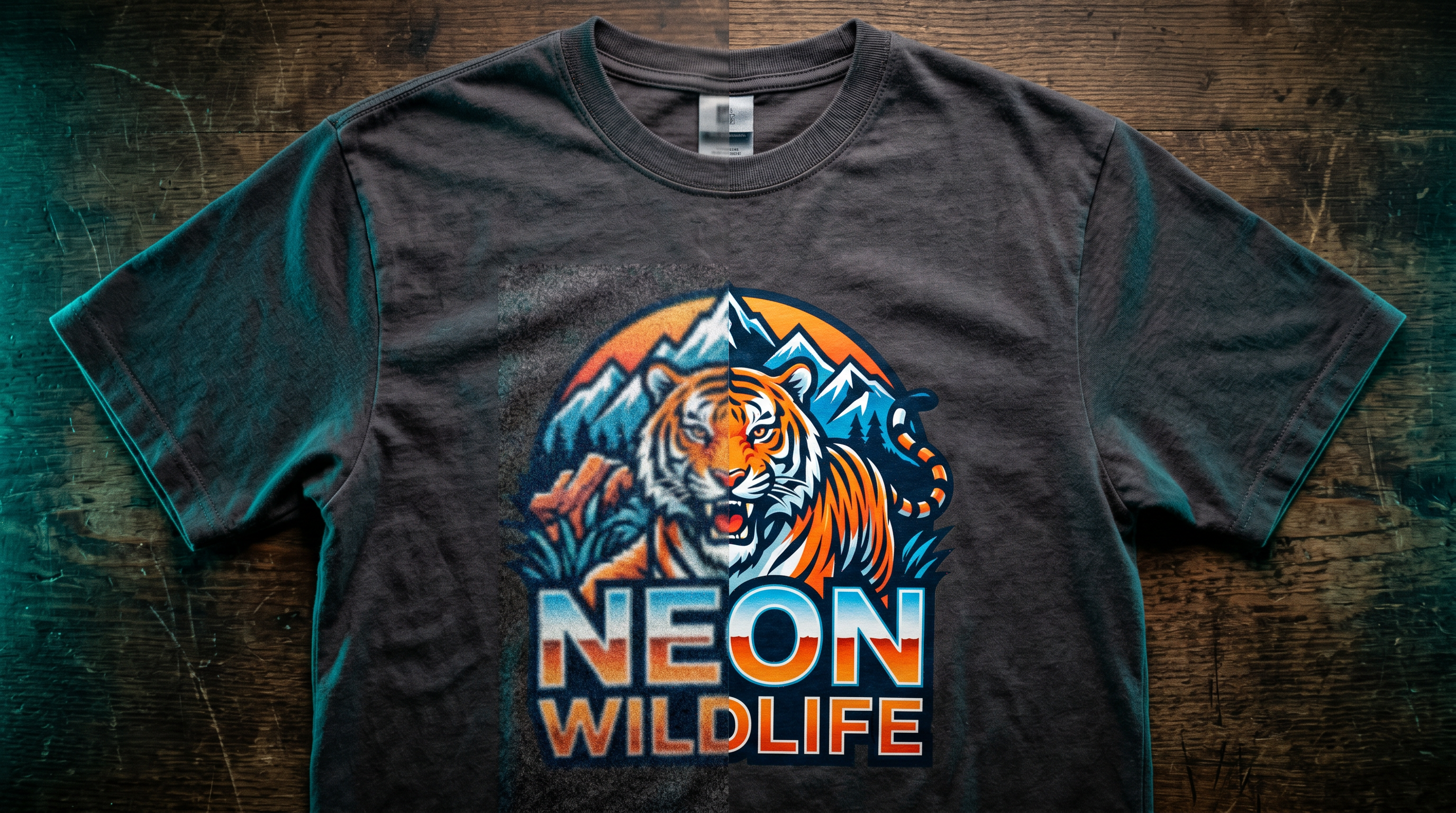
Why does my POD design look blurry? Low pixel count is almost always the cause. Learn the real fix — before you waste a sample order.
Print-on-demand tools help sellers prepare their designs for Printify, Printful, Redbubble, and other platforms. Getting a file wrong — wrong DPI, wrong dimensions, wrong color mode — means blurry prints, rejected uploads, or colors that don't match what you see on screen. These tools catch those problems before you waste a sample order.
The most common mistake is confusing DPI with actual resolution. A file tagged as "300 DPI" can still be too low-resolution to print clearly if the pixel count is wrong. Our DPI Checker validates your actual pixel dimensions against Printify's requirements — not just the metadata tag.
Beyond validation, POD sellers also need help with margins. Platform fees, base costs, and shipping can eat into profits fast. The POD Profit Calculator shows you real take-home pay per sale, so you can price confidently.
Creative Fabrica's library includes thousands of graphics, fonts, and illustrations built specifically for POD — delivered at commercial resolution with transparent PNG options, ready for Printify.
Yes, 100%. Every tool on this site runs in your browser with no usage limits. We built them to help POD sellers and designers get their files right before uploading.
Printify recommends 300 DPI for most products, including apparel and mugs. For large-format items like blankets and tapestries, 120–150 DPI is acceptable. What actually matters is your pixel count — our DPI Checker calculates this for you.
Printify accepts PNG, JPEG, and SVG. PNG is recommended for most designs because it supports transparent backgrounds and uses lossless compression. JPEG works for photographic products but doesn't support transparency.
Design in RGB for all major POD platforms. Printify, Printful, and Redbubble all process files in RGB internally. Uploading a CMYK file causes a double conversion that can shift colors more than uploading RGB directly.
Upload your design to our DPI Checker. It reads the actual pixel dimensions of your file and tells you whether it meets the resolution requirements for common POD product sizes — no guesswork required.